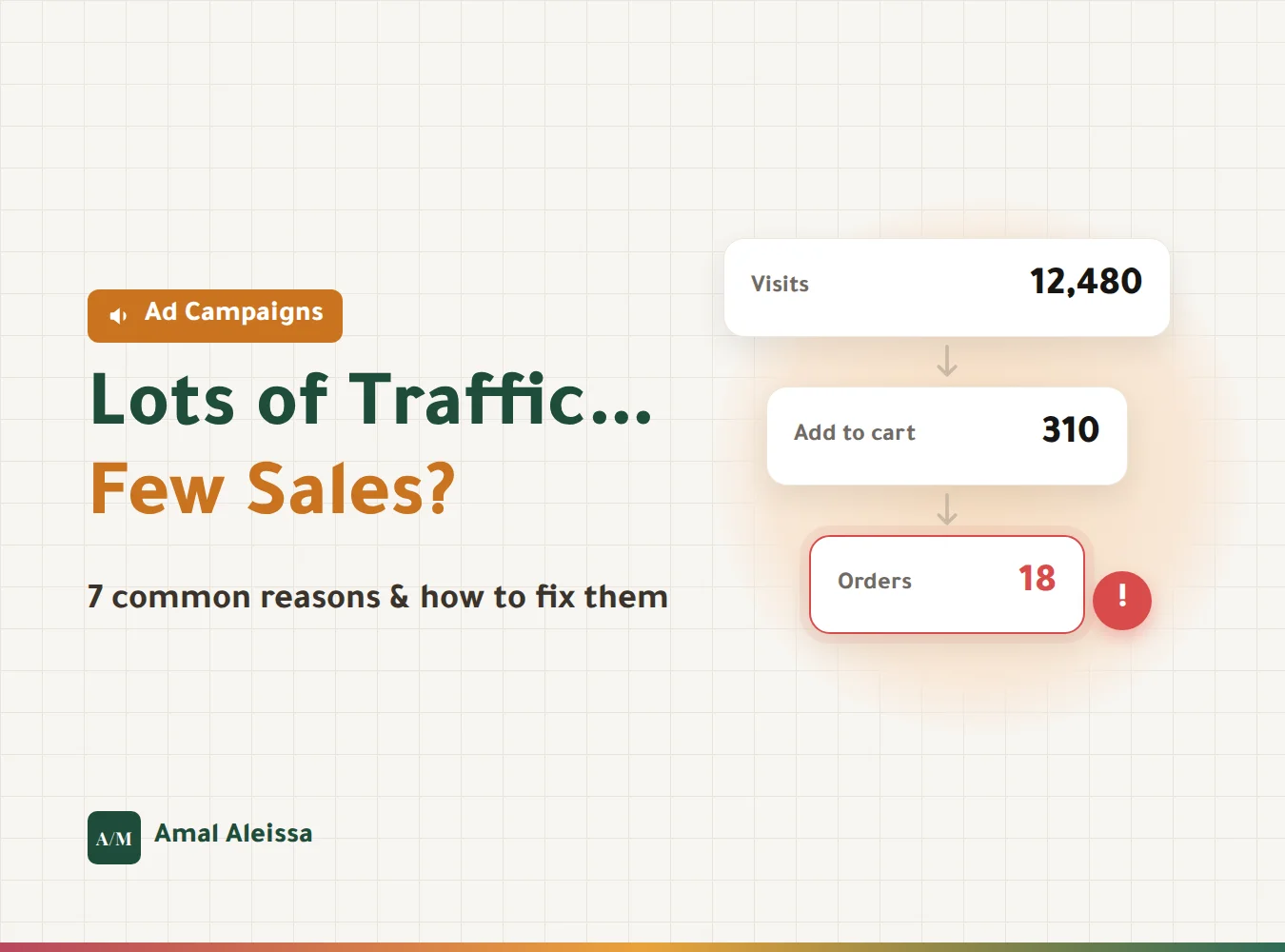
If your ads dashboard shows plenty of clicks and visits, but your store shows only a handful of orders… you are not alone.
It is one of the most common complaints I hear from store owners: "The ads are running, the traffic is coming in, but there are no sales."
In most cases, the problem is not the ad itself. An ad's job is to bring the right person to your store. After that, it is up to the store, the offer, and the buying experience.
Here are the 7 reasons I see most often, and how to fix each one.
1. The ad promises one thing, the page says another
A customer clicks an ad offering 30% off a specific product, then lands on the homepage instead of the product page, or cannot find the discount.
They feel lost and leave within seconds.
The fix:
- Send every ad to the exact product or offer page, not the homepage.
- Keep the headline, image, and price on the page consistent with the ad.
- Make any offer mentioned in the ad visible the moment the page loads.
2. The product page does not convince
One photo, a short description, and no answers to the customer's questions. Customers cannot touch the product, so your product page is your salesperson.
The fix:
- Clear photos from several angles, plus a photo of the product in use.
- A description that answers: What is it? How does it help me? What are the sizes or ingredients?
- Real reviews from previous customers.
- Shipping and return policies stated clearly, close to the buy button.
3. The store is slow on mobile
Most of your visitors come from mobile. If a page takes more than 3 seconds to load, many of them leave before they even see the product. You paid for the click and lost the customer before you started.
The fix:
- Reduce image sizes and convert them to WebP.
- Remove apps and plugins your store does not need.
- Test your store's speed on your phone using mobile data, not your home Wi-Fi.
4. The targeting is too broad, or simply wrong
If the audience is too broad or built on general interests, you get cheap traffic from curious browsers, not buyers.
The fix:
- Start with audiences closer to buying: store visitors, people who added to cart, and lookalikes of your current customers.
- Choose "Sales" or "Conversions" as the campaign objective instead of "Traffic", because the platform delivers exactly what you ask for.
- Watch traffic quality: time on site, pages per visit, and add-to-cart rate.
5. Tracking is not working properly
Sometimes the sales are there, but the platform cannot see them. The pixel is installed incorrectly, or the purchase event never arrives. As a result, the algorithm learns from incomplete data and targets the wrong people.
The fix:
- Make sure product view, add to cart, initiate checkout, and purchase events all reach the platform.
- Connect your pixels through Google Tag Manager so you control them all from one place.
- Compare the orders in your store with what the platform records. A big gap means a tracking problem.
I covered this in detail in "Why You Should Connect Your Tracking Pixels Through Google Tag Manager".
6. Checkout is complicated or full of surprises
The customer adds to cart, then gets surprised by high shipping fees, is forced to create an account, or cannot find their preferred payment method. That is where the cart is lost.
The fix:
- Show shipping costs on the product page, or set a free-shipping threshold.
- Enable guest checkout without creating an account.
- Offer popular payment methods: mada, Apple Pay, and buy-now-pay-later options.
- Turn on abandoned cart reminders.
7. Not enough trust
The customer may be hearing your store's name for the first time. If nothing reassures them, they will postpone the purchase or go to a store they already know.
The fix:
- Show customer reviews and photos.
- Provide clear contact options, such as WhatsApp and a phone number.
- Display your business registration and return policy.
- Keep your social media accounts active, because many customers check them before buying.
So, where do you start?
Do not try to fix everything at once. Go in this order:
- Check tracking first, because without it every decision is based on wrong numbers.
- Then store speed and the product page.
- Then review targeting and the campaign objective.
- Finally, improve checkout and trust elements.
Remember: the ad brings the customer to your door; the store is what convinces them to come in and buy.
If your campaigns bring traffic without sales and you want someone to review them with you and pinpoint exactly where the leak is, book a consultation and let's look at the numbers together.